Use a Hardware Token with the Traditional Duo Prompt
Last updated: 2024-08-08
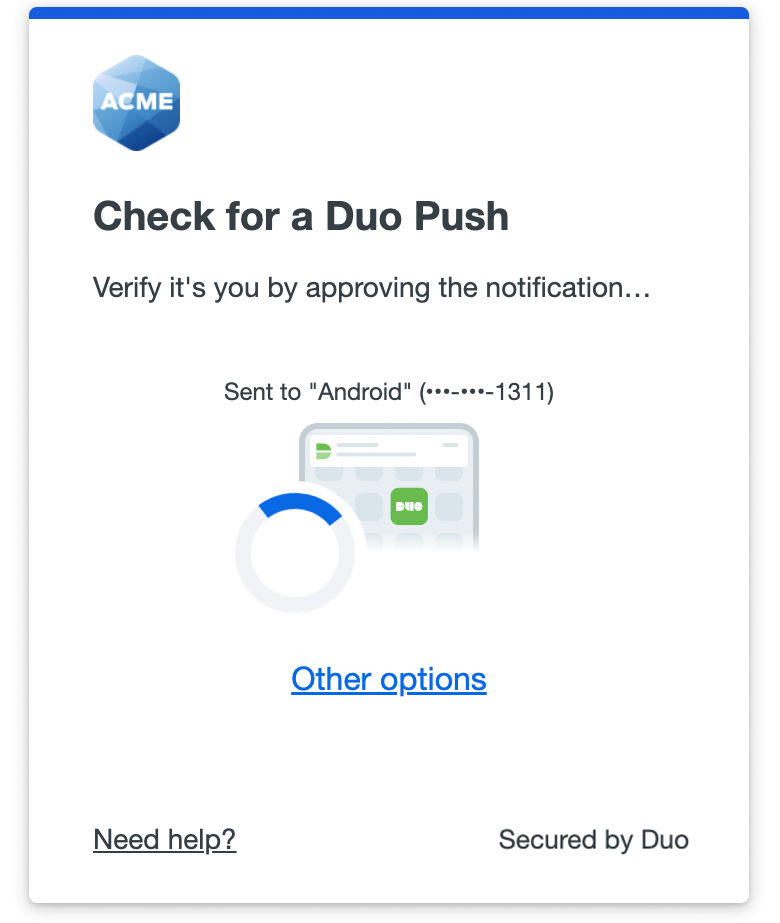
Has your organization enabled the new Universal Prompt experience? See the Universal Prompt guide for more information and instructions.
Hardware tokens are the most basic way of authenticating.
Your organization needs to provide you with a hardware token to use with Duo. If you don't have one, contact your Duo administrator or your organization's help desk.

To authenticate using a hardware token, click the Enter a Passcode button. Press the button on your hardware token to generate a new passcode, type it into the space provided, and click Log In or Verify (or type the generated passcode in the "second password" field). Using the "Device:" drop-down menu to select your token is not necessary before entering the passcode.
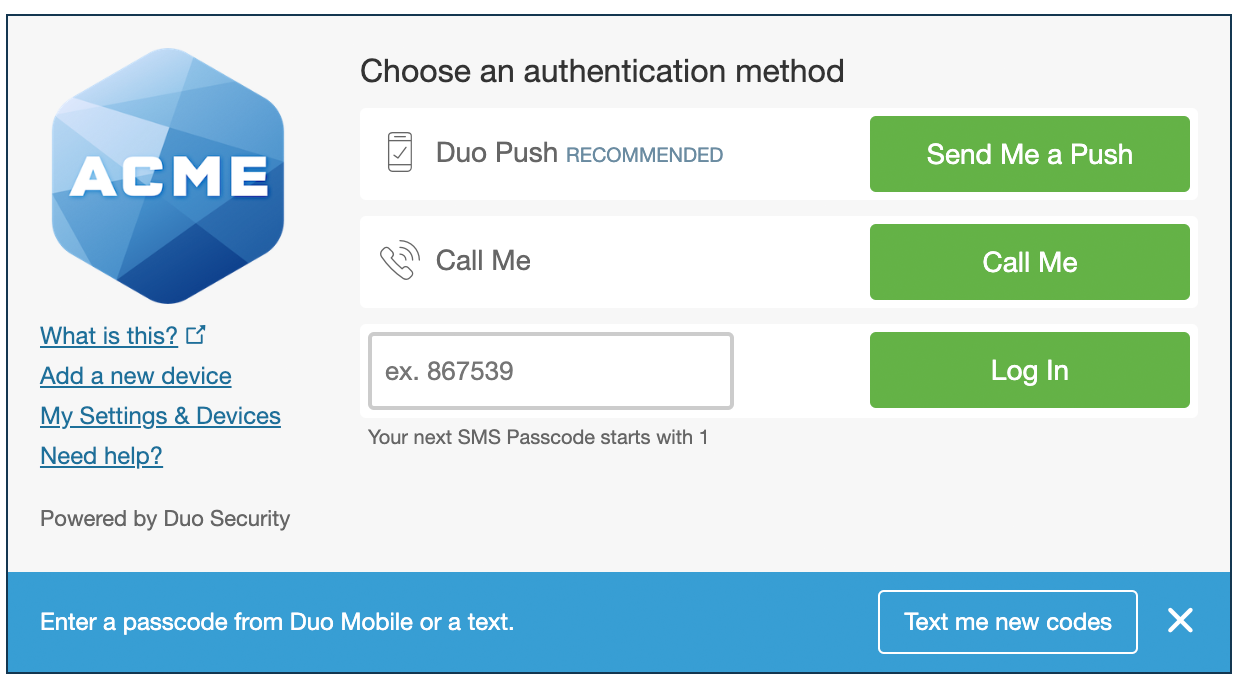
If you have a YubiKey token, click into the passcode entry field and tap your YubiKey to generate and submit a passcode.
Tokens can get "out of sync" if the button is pressed too many times in a row and the generated passcodes aren't used for login. Contact your administrator if your token stops working.